Save on Bills: Thermostat Fan Setting for PSC vs ECM
For most homes, keep the thermostat fan setting on Auto and reserve On or Circulate for specific problems like allergy season, smoke, or an uneven upstairs bedroom. Auto protects humidity control and saves electricity in nearly every climate. The exceptions worth knowing: homes with an ECM blower motor, severe air-quality needs, or a temporary comfort fix where the trade-off in energy and moisture is worth it.
TL;DR:
- Using Auto minimizes energy costs and protects dehumidification, especially during humid summer months, by stopping the blower between cooling cycles.
- Running the fan continuously improves air filtration and temperature consistency but raises electric bills significantly if you have a PSC blower motor.
- Homes with ECM blowers can run continuous fans at minimal extra cost, but still require monitoring for rising humidity or mechanical issues.
- Testing different fan modes over several days with a hygrometer and considering blower type helps determine the best setting for your house’s humidity and comfort.
- Mechanical problems such as a stuck relay or duct leaks can mimic fan setting issues and should be diagnosed professionally before making permanent changes.
Table of Contents
- How thermostat fan settings actually control your blower
- Auto vs. On: what you gain and what you give up
- When Auto makes sense and when On earns its keep
- How to test which fan setting actually works in your house
- What continuous fan operation actually costs you
- Signs your fan setting isn’t the real problem
- A technician’s checklist before you settle on a setting
- Book a diagnostic visit before you commit to a fan setting
- Sources
How thermostat fan settings actually control your blower
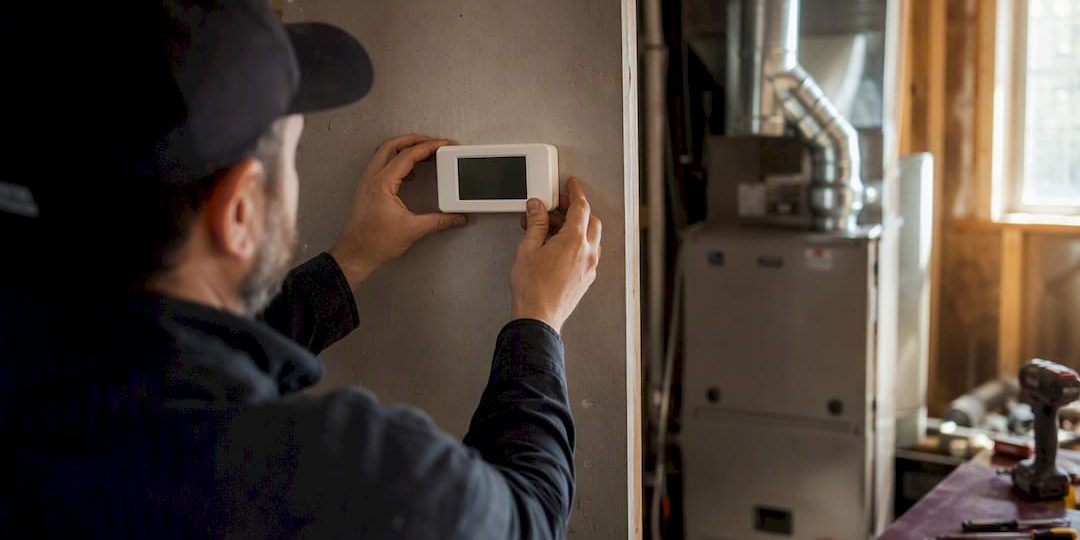
The thermostat fan setting you pick doesn’t touch your compressor or burner directly. It only tells the blower motor when to move air through the ducts.
On Auto, the blower fires up only when the thermostat calls for heating or cooling, then runs a few extra minutes after the burner or compressor shuts off. That built-in delay pulls the last bit of heat or cool air off the coil before the fan stops. It’s a small detail with a big consequence: running the fan in Auto generally preserves dehumidification because the blower stops between cycles instead of re-evaporating condensate sitting on the evaporator coil.
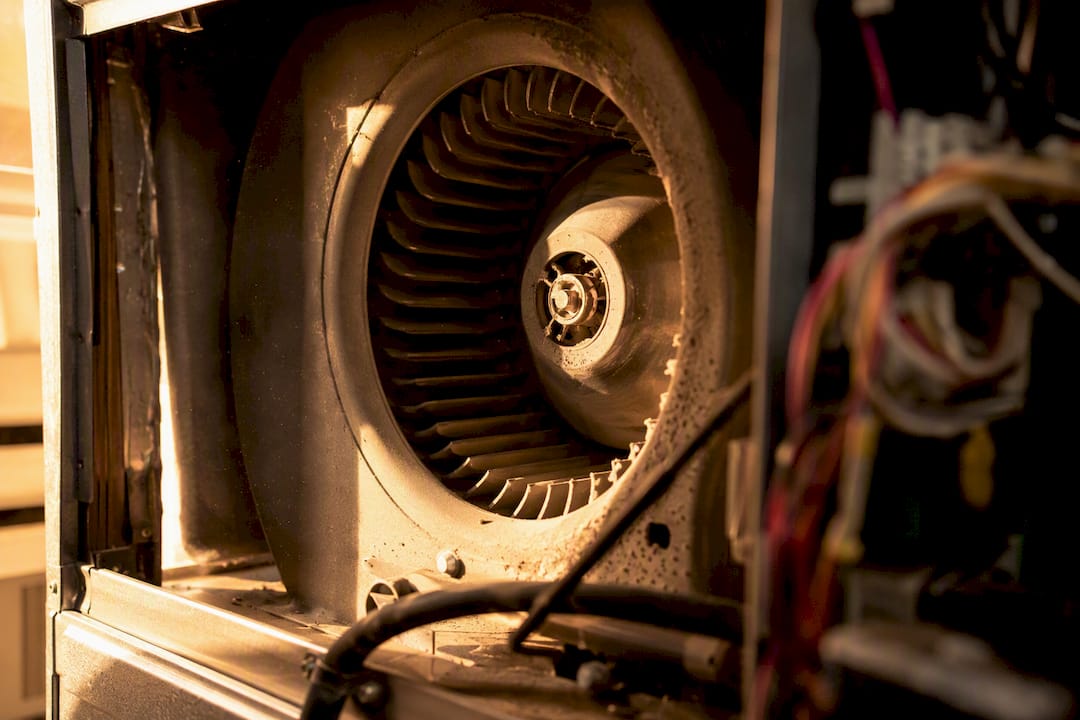
On On, the blower never stops. Air moves through the filter and ducts around the clock, whether the system is actively heating or cooling or not.
Some smart thermostats add a third mode. Manufacturer guides like Honeywell’s fan settings documentation describe a Circulate or minimum runtime option that runs the fan a set percentage of each hour, say 10% to 35%, without going fully continuous.
- Auto: fan tied to the heating/cooling call, plus a short off-delay
- On: fan runs nonstop regardless of system calls
- Circulate: fan runs a scheduled percentage of each hour for periodic mixing
Auto vs. On: what you gain and what you give up
Every fan setting is a trade between four things: energy cost, filtration, temperature evenness, and humidity. No setting wins on all four.
Auto keeps electricity use low because the blower motor only runs when heating or cooling is actually happening. It also protects your dehumidification. During cooling season especially, continuous fan operation can re-evaporate moisture sitting on the coil and may pull humid air through leaky ducts, pushing indoor humidity back up right after the system worked to remove it.
On wins on filtration and mixing. Air passes through the filter constantly, which helps with allergens, dust, and pet hair, and it smooths out temperature differences between rooms. The cost shows up in three places:
- Higher electricity use, especially with an older PSC blower motor
- Faster filter loading, since air never stops moving through it
- More motor run hours, which adds wear over the system’s life
Noise is the wildcard. A quiet ECM blower running on low speed is barely noticeable, but an older PSC motor running continuously can turn into background hum some people never adjust to.
When Auto makes sense and when On earns its keep
Auto is the right call by default, and it’s especially important in humid climates during cooling season, when re-evaporated coil moisture does the most damage to comfort. HVAC professionals consistently point homeowners back to Auto for everyday use precisely because it protects both the electric bill and the dehumidification your AC just did.
On or Circulate earns its place in narrower situations:
- You have an ECM (variable-speed) blower motor, so continuous run costs pennies instead of dollars
- Someone in the house has severe allergies or asthma and needs constant filtration
- Wildfire smoke or heavy dust is in the air and you want it filtered continuously
- One floor runs noticeably hotter or colder than another and you need temporary mixing
Continuous fan operation increased measured indoor humidity in a documented Middle Tennessee home during summer, according to a case study, largely because the blower re-evaporated coil moisture and pulled humid air through duct leaks, according to a case study on fan settings and humidity. That’s the risk to weigh before flipping to On in a humid region.
| Season | Recommended default | Notes |
|---|---|---|
| Summer (cooling) | Auto | On raises re-evaporation risk in humid climates |
| Shoulder season | Auto or Circulate | Circulate at 10% to 20% helps mixing without full-time cost |
| Winter (heating) | Auto, On acceptable with ECM | Dry winter air lowers humidity risk from continuous run |
If you want to try On, do it for three to five days during a dry week, then check your hygrometer. If relative humidity climbs, revert to Auto.
How to test which fan setting actually works in your house
The only way to know for sure is to run a short trial in your own home, not someone else’s. Here’s a simple version of the plan HVAC pros recommend:
- Identify your blower motor type. Check your furnace or air handler nameplate for “PSC” or “ECM/variable speed,” or ask a technician during a routine visit.
- Set a baseline week on Auto. Track indoor relative humidity with a cheap hygrometer and jot down comfort notes each day.
- Switch to Circulate (10% to 20%) for a week. Note whether hot/cold spots improve and whether humidity stays stable.
- If you have an ECM blower, try On for three to five days. Watch the hygrometer closely, especially during humid stretches.
- Compare your notes. Roll back to Auto immediately if relative humidity climbs more than a few points or you notice new drafts or musty smells.
Pro Tip: Run your trial during a stretch of similar outdoor weather. Comparing a muggy week on Auto to a dry week on On will skew your results and hide the real difference.
What continuous fan operation actually costs you
The math depends almost entirely on your blower motor type. A standard PSC blower drawing around 400 watts and running continuously can add roughly $40 to $50 per month to your electric bill at typical US rates. An ECM motor pulling closer to 80 watts brings that same continuous run down to under $10 a month, which changes the entire conversation about whether On is worth it.
If you run the fan continuously, plan on checking or replacing your filter more often, since air moves through it around the clock instead of in short bursts. Using a mid-range MERV filter with regular checks is advisable.
- PSC blower: continuous run adds meaningful cost, limited filtration upside
- ECM blower: continuous run costs little, filtration and mixing gains are close to free
- Either motor type: Circulate mode splits the difference on both cost and filtration
Signs your fan setting isn’t the real problem
Some symptoms look like a fan setting issue but point to something mechanical instead.
If the blower runs constantly even after you’ve switched to Auto, suspect a stuck relay or a control board issue rather than a setting you forgot to change. A normal Auto cycle includes a brief off-delay, usually 30 to 90 seconds after the burner or compressor shuts off, so a fan that lingers for a few minutes is expected; a fan that never stops is not.
Watch for these red flags:
- Fan runs nonstop no matter what mode you select
- New or worsening rattling, squealing, or grinding noise from the blower
- Humidity stays high even after switching back to Auto
- Breaker trips or the system shuts down unexpectedly
Any of these calls for a diagnostic visit rather than more trial and error with settings.
A technician’s checklist before you settle on a setting
Before locking in a fan setting, run through a short checklist: confirm your blower motor type (PSC or ECM), log a week of hygrometer readings, complete a basic trial comparing Auto against Circulate or On, and check your filter’s condition. Homeowners can handle most of this alone, but motor identification, relay diagnostics, and duct leakage are worth a professional look, since duct leaks in attics or crawlspaces make the humidity penalty from continuous fan operation worse. Tru Comfort’s NATE certified technicians can confirm your motor type and check for the duct or relay problems a hygrometer alone won’t catch, and our multimeter blower testing guide walks through the basics if you want to look under the hood first.
Book a diagnostic visit before you commit to a fan setting
A quick diagnostic visit settles the two questions a hygrometer can’t answer on its own: what blower motor you actually have, and whether your ducts are leaking humid air into the mix. Tru Comfort’s technicians identify your motor type, check for the duct leakage that skews humidity results, and give you honest, non-commissioned advice, no upsell script, just what your system needs.

If your comfort issue is really about temperature swings between rooms rather than the fan setting itself, that’s often a sign your ductwork or blower needs a closer look; our page on why one room runs hotter than the rest covers the usual causes. And if your blower motor turns out to be an aging PSC unit, upgrading to a variable-speed ECM motor can make continuous fan operation practically free to run. Tru Comfort also offers maintenance plans that keep filters, coils, and blower components in shape year-round, which matters more than ever if you decide continuous fan operation fits your home. Visit our HVAC services page to book a diagnostic visit in New River or the surrounding area and get a straight answer on what your system needs.
Sources
- Furnace Fan: Set to on or Auto? Comfort, Costs, and When to Use Each – PICKHVAC
- System Mode and Fan Settings — Honeywell
- Fan on AUTO vs ON: Beat Summer Humidity | Case Study — DocAir